Anydesk
AnyDesk, a fast remote access to computers

Safe & Secure
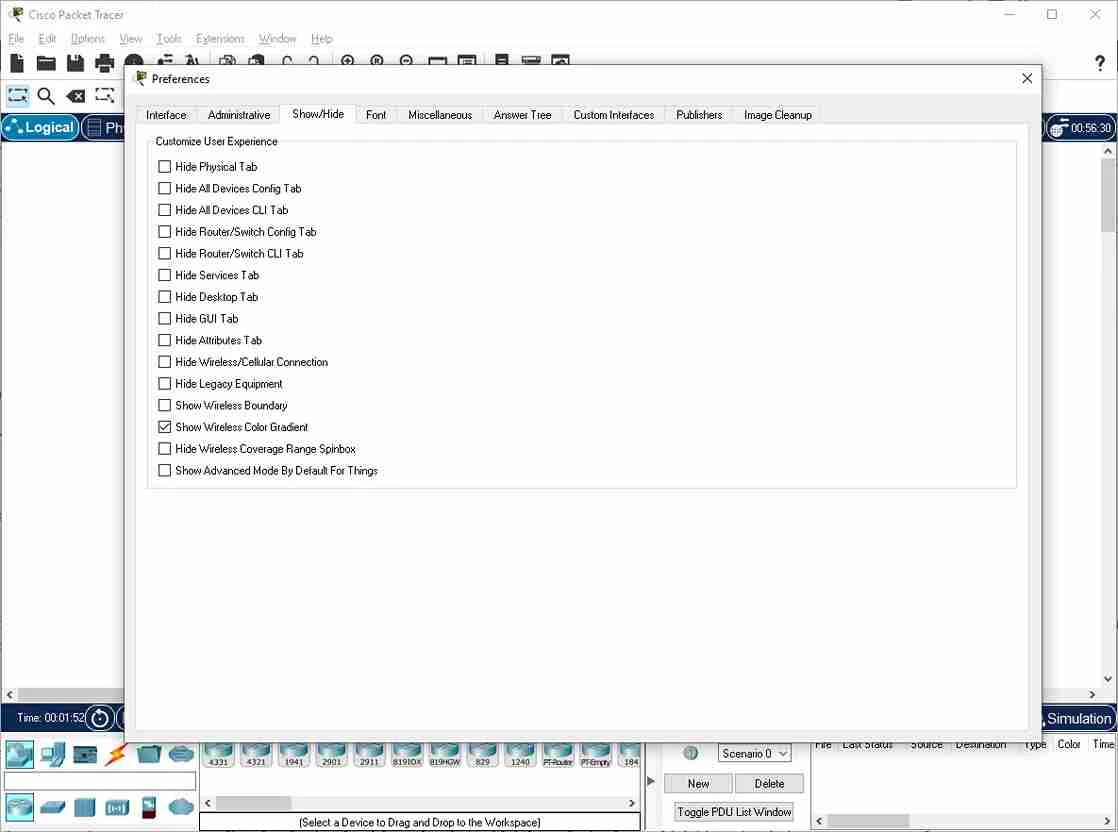
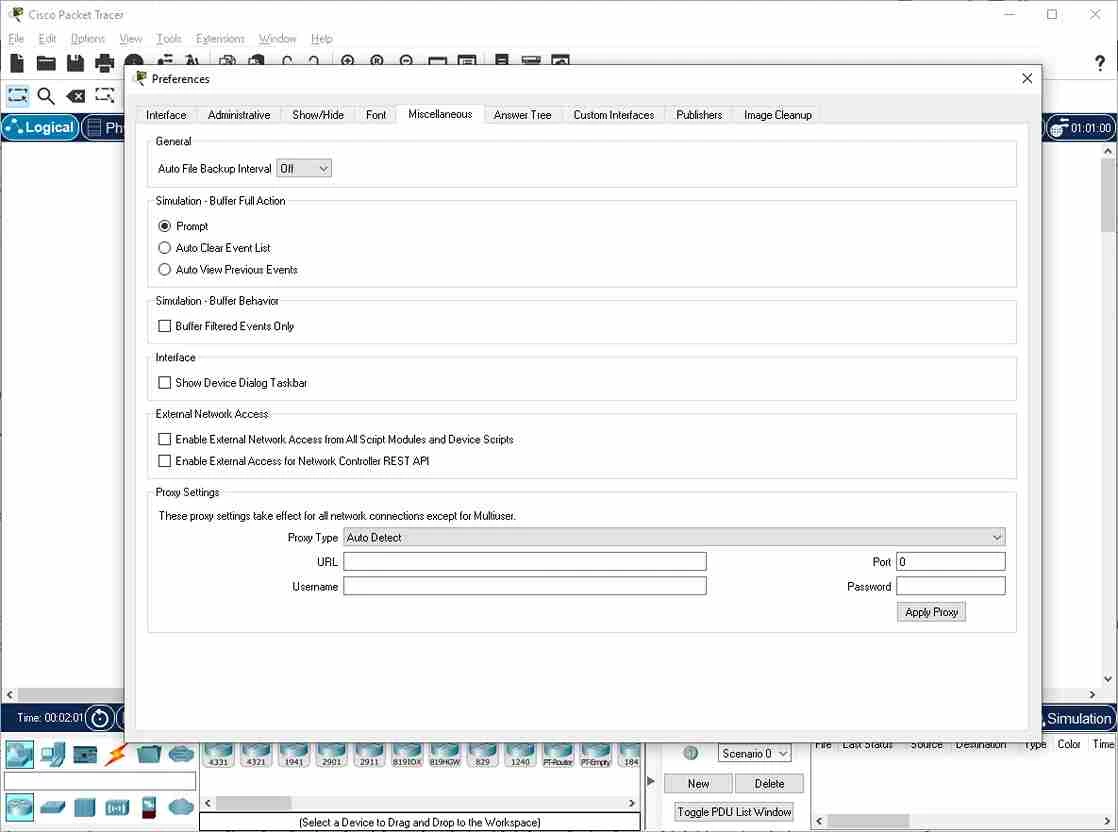
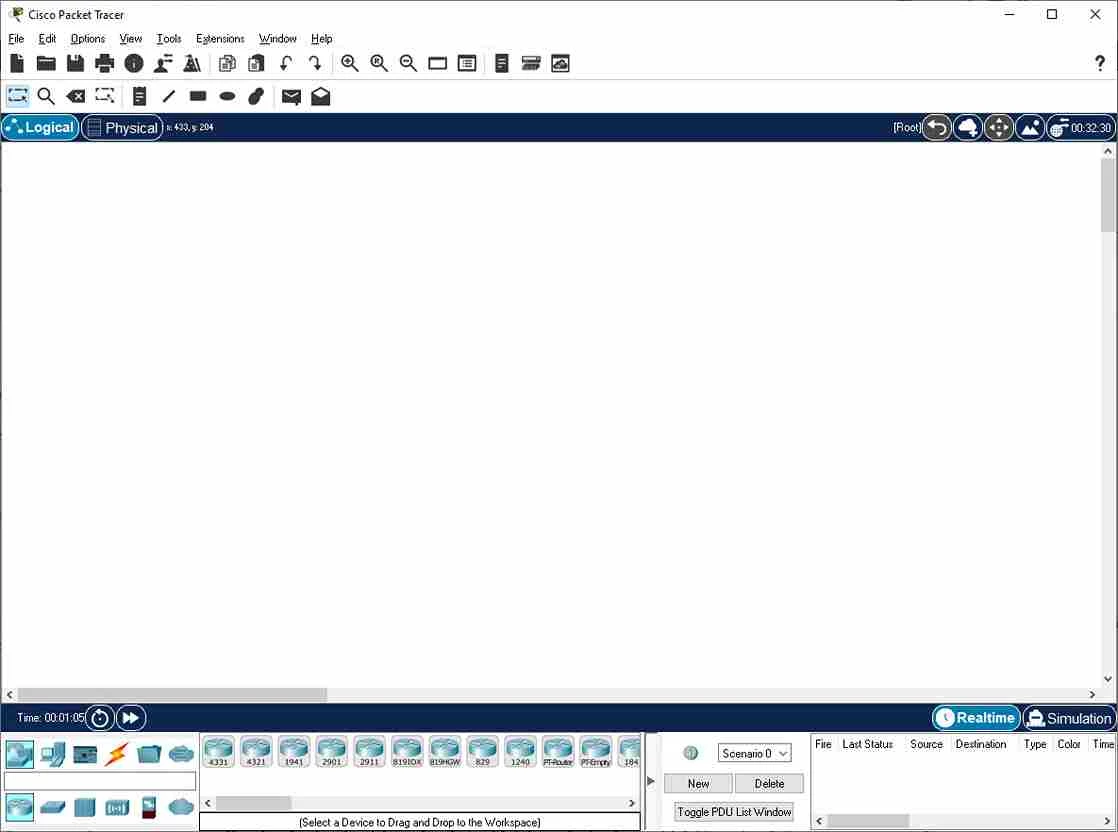
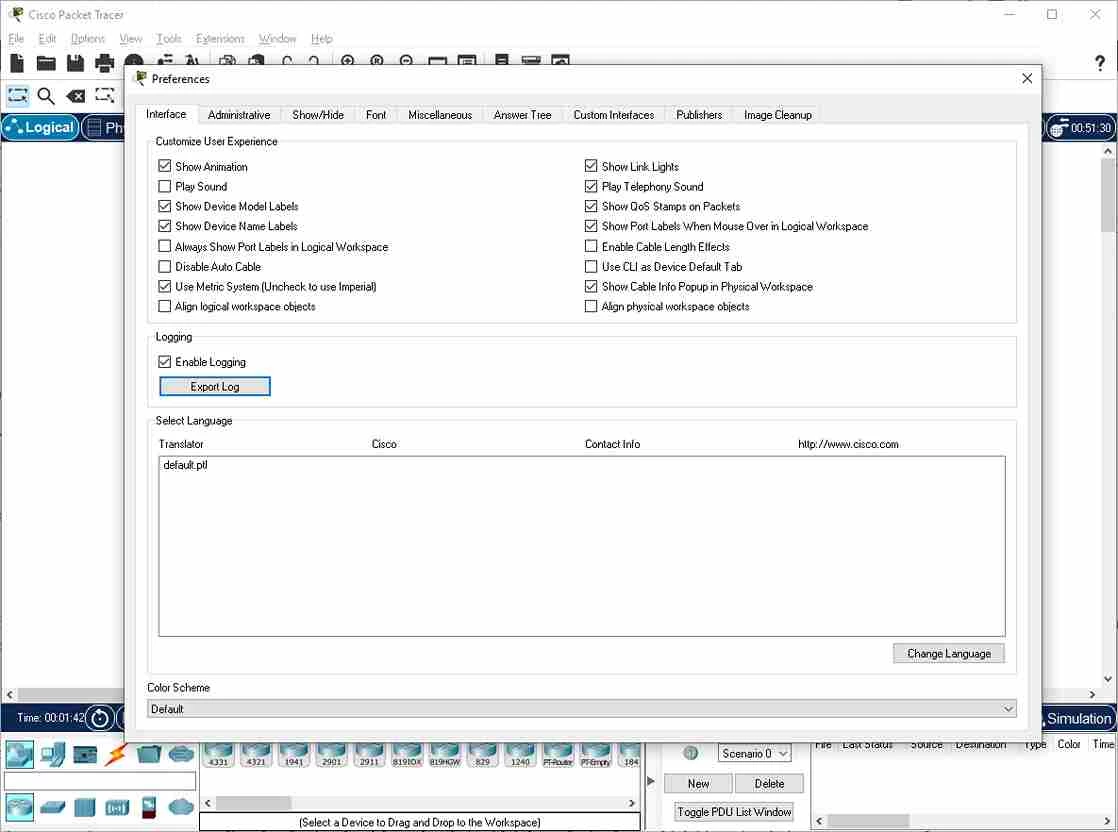
Cisco Packet Tracer is a powerful network simulation software that allows users to learn, test, and visualize network behavior without using real hardware. It offers an easy-to-understand procedure, even for complex systems, while offering devices, cables, and traffic.
The app, embedded with simulation, visualization, authoring, assessments, and collaboration capabilities, helps to build routers, switches, and connections from the ground up to view the data flowing procedure across the design. The primary targeted audience of the app is students and professionals to practice networking concepts, protocols, and Cisco device configuration within a controlled environment.
Cisco Packet Tracker, developed by Cisco Systems, and which falls under the Networking category, is a simulation-based learning environment. As part of the Networking Academy, it proves the comprehensive learning experience, enabling students to learn 21st-century skills, including problem-solving, decision-making, creative and critical thinking.
The app offers free of cost services for students, instructors, administrators, and alumni only registered on the Networking Academy. It offers budget-friendly training for students to create realistic network topologies, using the actual programs for creating, monitoring, and studying networks similar to those of network engineers.
The app is capable of creating a virtual network environment, enabling users to simulate and visualize the behavior of different network devices, offering two types of workspaces:
It proves the best option for networking students, as a lot of users don’t have server racks, tons of devices, and multiple modems and routers. So the app offers budget-friendly training, allowing the students to create realistic network topologies, similar to how network engineers use real programs for creating, monitoring, and studying networks.
The collection of devices, such as routers, switches, firewalls, access points, and servers, is available at the bottom of the screen, so you can easily select any of your desired devices and drag them to the required point on the diagram. Next, click the ports for connecting with the appropriate cable such as Ethernet, serial, etc. the editable properties of each device enable you to define the IP, mask, gateway, names, and other parameters. In this way, you can easily replicate real campus, WAN, or branch network settings.
It is one of the significant features, specifically designed for instructors, that enables them to create practical assignments for students. For example, the instructor can ask the students to create a network for a fictitious company after giving them an example scenario. The built-in grading system makes it easy for instructors to keep records of the progress of students if students submit their work to the instructor.
The incorporation of a command-line interface enables you to enter real commands for configuring interfaces, VLANs, static routing, OSPF, RIP, NAT, ACLs, and other network services. In this way, you will be capable of practicing the same as the physical equipment, avoiding the risk of interrupting a production infrastructure, and making it an ideal environment to prepare for certifications such as CCNA. It offers CLI, enabling you to use graphical wizards for basic tasks to make the configuration process easy to understand, before going to the full command line.
You are capable of starting with basic connections between two devices, and gradually progressing to complex network structures using multiple layers, protocols, and configurations, as the scalable learning system is reliable and useful for beginners and advanced users. The educational-focused interface, packed with tools, menus, and configuration options, feels overwhelming at first. So, the app is the best solution for self-study learners, enabling them to start with a blank slate to add devices and simulate network activity easily, instead of reading through a dense textbook.
The support for multiple advanced protocols such as IPv4 and IPv6, Ethernet, HDLC, Frame Relay, PPP, BGP, OSPF, RIP, STP, RSTP< WEP, WPA, EAP, HTTP, FTP, SMTP, POP3, TFTP, and so on. All the supported protocols and services help recreate campus, WAN, security, and user service settings. It is possible to set up networks with HTTP and FTP servers, enable JavaScript and CSS in web testing, and simulate Internet of Things (IoT) environments with specific devices. You can test changes before applying them to a real network, and also use ping and traceroute commands for designing a new topology, configuring it, and verifying connectivity.
Pros
Cons

AnyDesk, a fast remote access to computers

Accelerated Downloading with Internet Download Manager (IDM)

SHAREit for PC is the best option for a P2P file-sharing process without using Wi-Fi.

ShareMe for PC, a freeware and streamlined file-sharing app

uTorrent, a powerful, lightweight, and fastest P2P file-sharing software

Xender for PC, an effective and convenient file transfer utility